Practical PDF guide
Scanned PDF versus searchable PDF
Two PDFs can look identical while storing completely different data. A quick text-layer check tells you whether direct editing and Find & Replace can work.
A searchable PDF contains text objects
A native or searchable PDF stores characters, coordinates, and usually font references. You can often select a word, copy it, or find it with a viewer search box. That text layer gives an editor the coordinates needed for direct editing and repeated replacement.
Searchable does not always mean simple. Text can be split into many runs, use custom encoding, or sit behind a scanned page as an invisible OCR layer. The extracted order may differ from the visual reading order.
An image-only scan contains pixels
A scanner or phone camera can create a PDF page that is only a JPEG-like image. The viewer can display it, but there are no characters or font metrics to edit. Drawing new text over the image is possible, but selecting an existing word or finding every occurrence is not.
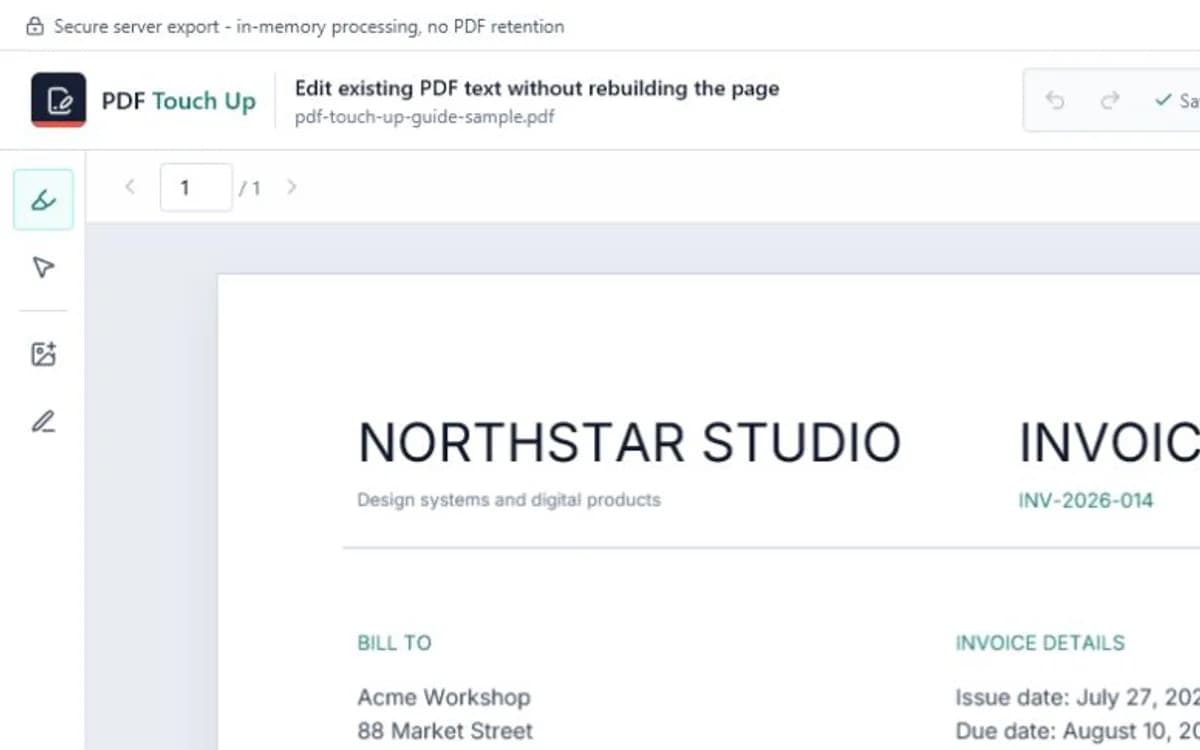
PDF Touch Up reports a scan when no usable text items are detected. It does not currently run OCR, so image-only files need to be made searchable in another OCR tool before direct text editing.
Three quick checks before editing
Open the file in a trusted viewer and try the checks below. None is perfect alone, but together they reveal most image-only scans and weak OCR layers.
- Drag across one sentence: individual letters should highlight rather than the entire page.
- Search for a distinctive word that is clearly visible.
- Copy a short line into a plain-text editor and check its order and characters.
Choose the workflow that matches the file
Use direct text editing or Find & Replace for native PDFs with reliable text. Use OCR first for clean scans that need searchable text. For damaged documents, handwritten pages, or layouts where OCR places words incorrectly, consider recreating the source or using a specialist document workflow.
OCR is an interpretation, not a guarantee. Always compare recognized text with the page image, especially for numbers, names, accented characters, and financial documents.
Frequently asked questions
Does PDF Touch Up include OCR?
Not currently. It edits existing searchable text and can add visual overlays to scanned pages.
Can a scanned PDF have searchable text?
Yes. OCR software can add an invisible text layer behind the page image, but recognition quality and coordinates vary.
Why can I search text but still not edit the right line?
The OCR layer may be invisible, misaligned, incorrectly ordered, or split into fragments that do not match the visible sentence.